Embarking on the journey to publish your mobile app on the Apple App Store is an exciting moment
Development
KreanteJanuary 8, 20252 years ago
Navigating the App Store: First Steps to Successfully Publish Your App
Embarking on the journey to publish your mobile app on the Apple App Store is an exciting moment. To guide you through the initial steps, Kreante Agency presents a comprehensive guide that covers everything from creating your developer account to managing app submissions through the App Store Connect dashboard and meeting Apple’s guidelines.
1. Creating a Developer Account: Your Gateway to the App Store
Setting Up Your Apple Developer Account
The first step is to enroll in the Apple Developer Program, which is required to publish apps on the App Store. Here’s how to get started:
Complete the enrollment process by providing the necessary details and paying the annual fee.
Individual vs. Organization Accounts
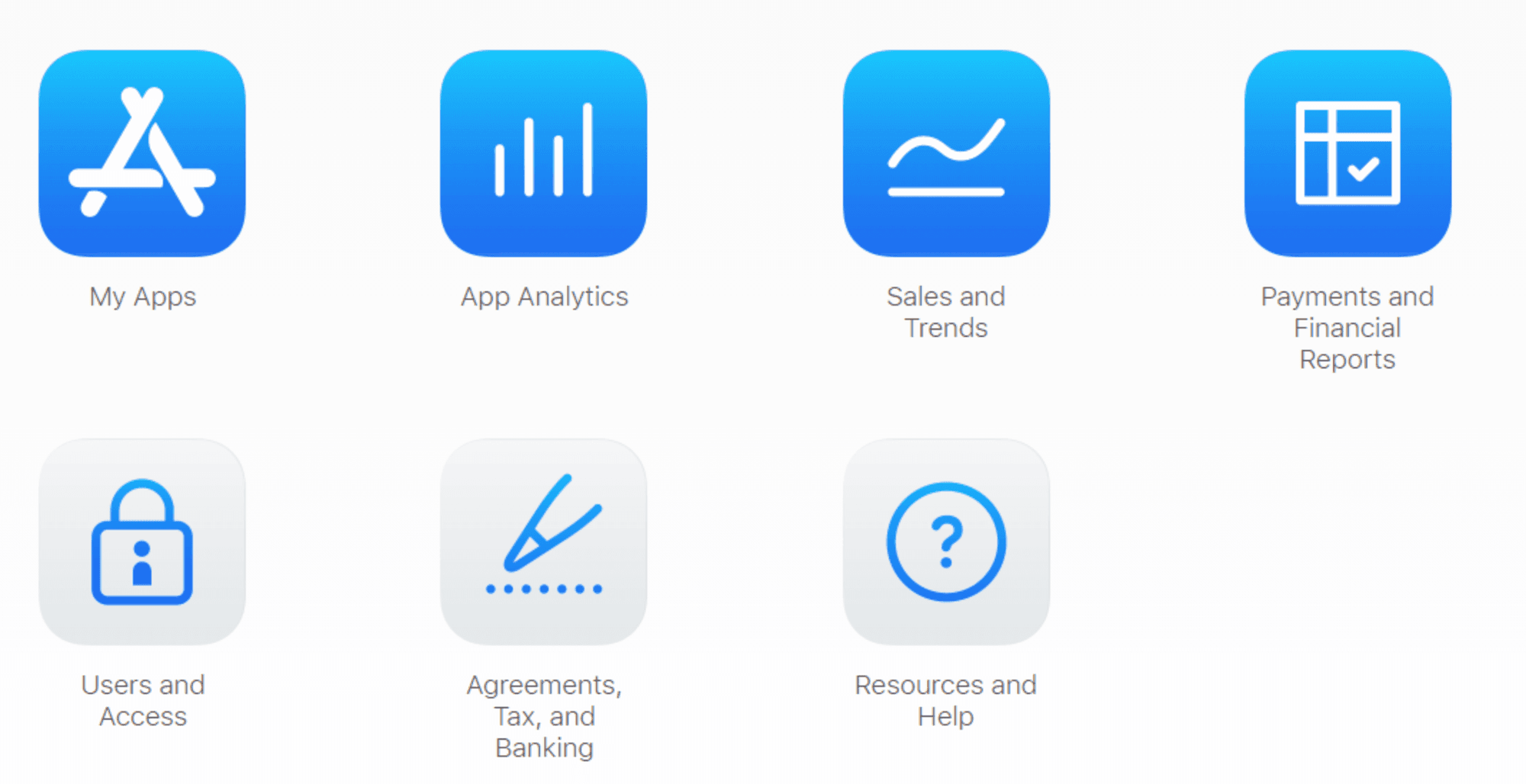
If you’re publishing apps as a team or business, opting for an App Store Connect Organization account is a strategic choice. This account type enables team management, allowing you to assign roles such as Admin, Developer, or Marketer, ensuring efficient collaboration within your organization.
Organization accounts also provide enhanced app submission options, including access to advanced app analytics and shared resources like certificates and provisioning profiles. This setup simplifies the workflow for larger teams and businesses.
On the other hand, Individual accounts cater to solo developers and provide a streamlined interface for those managing their apps independently. However, they lack the collaborative features and flexibility of Organization accounts, making them less suited for multi-member teams.
2. Legal and Privacy Requirements: Building a Strong Foundation
Ensuring Legal Compliance
Before launching your app on the ios app store, ensure compliance with all legal requirements, including copyright and trademark laws, privacy regulations, and age rating guidelines. Respect third-party intellectual property rights and obtain necessary permissions for copyrighted or trademarked material in your app. Create a clear and comprehensive privacy policy accessible within your app and linked during the submission process. This policy should inform users about the data you collect, how it's used, and their rights concerning personal information. Familiarize yourself with the Apple Platform and local laws applicable to your app's content and functionality to avoid potential legal issues.
3. Adhering to Apple's Guidelines: A Path to Recognition
Following Apple's Design and App Store Review Guidelines
Apple has specific guidelines and technical requirements for apps aiming for the App Store awards. Adhere to the Human Interface Guidelines, detailing best practices for designing accessible and user-friendly interfaces across different devices and platforms. App store screenshots are crucial in presenting the app's features effectively to potential users. By following these guidelines, ensure your app delivers a consistent and enjoyable user experience, enhancing its chances of success on the App Store. App previews play a significant role in enhancing the app's visibility and appeal by showcasing core features through short videos. Additionally, confirm your new app is built with the latest version of Xcode and is compatible with the latest iOS version to ensure optimal compatibility, performance, and security. Stay updated on Apple’s requirements and incorporate necessary changes into your app.
4. Setting Up Your App in App Store Connect: Preparing for Launch
Configure App Metadata and Details
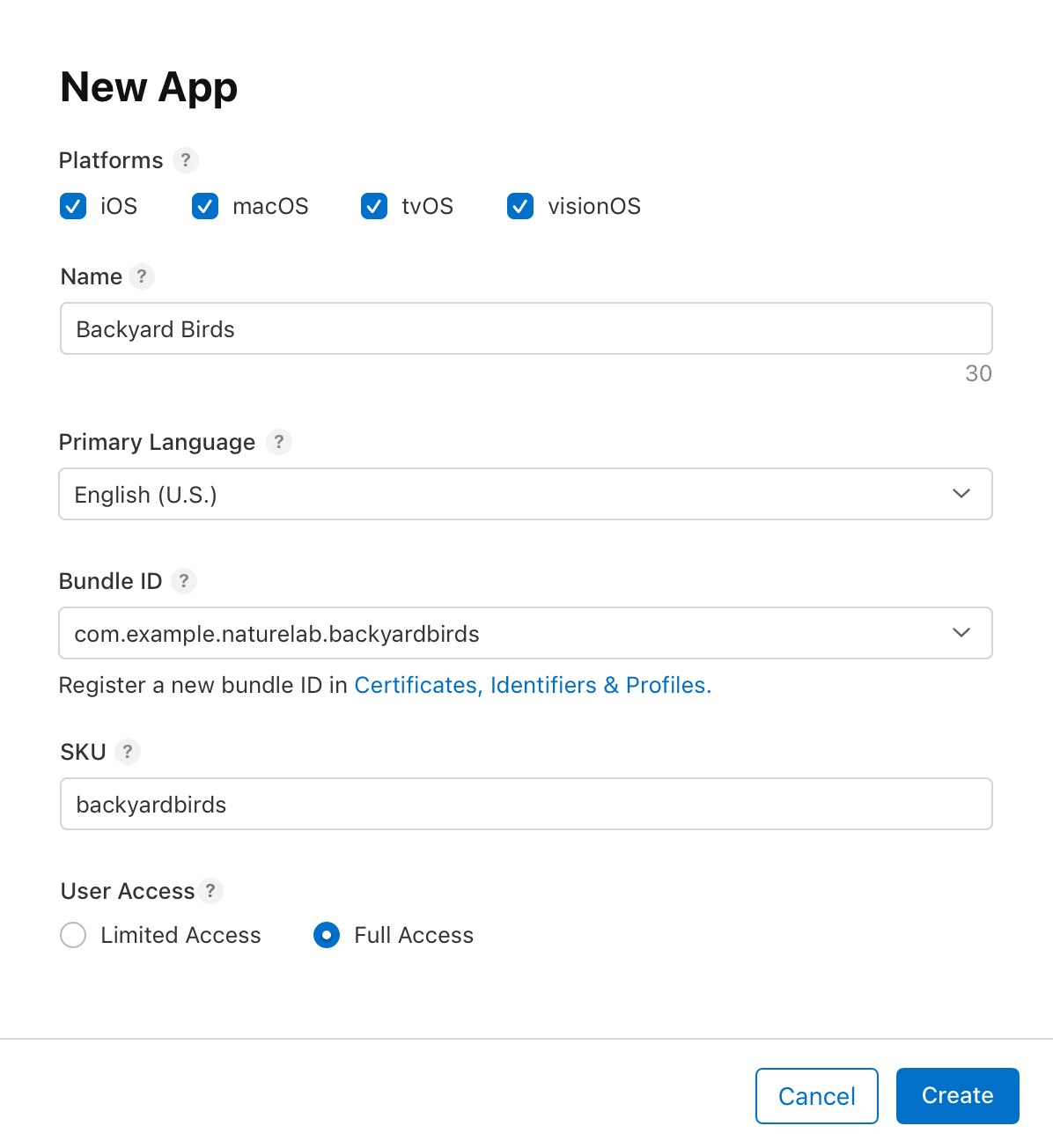
Once you have your Apple Developer Account set up, the next step is to configure your app’s metadata and details in App Store Connect. This is crucial for making your app discoverable and appealing to potential users on the App Store.
App Name
Choose a unique and descriptive name for your app. This is how users will identify your app in the App Store, so make it memorable and relevant to your app’s functionality.
App Description
Write a concise and compelling summary of your new app and its features. Highlight what makes your app unique and why users should download it.
Screenshots
Provide high-quality screenshots that showcase your app’s key features and user interface. You can upload up to ten screenshots, so use this opportunity to visually communicate the value of your app.
Promotional Text
Craft an attention-grabbing promotional text that appears at the top of your app’s page. This should entice users to learn more about your app and encourage downloads.
Category and Genre
Select the most appropriate category and genre for your app. This helps users find your app when browsing or searching for similar apps.
Keywords
Choose relevant keywords that accurately describe your app and its features. These keywords will improve your app’s searchability within the App Store.
By carefully configuring these details, you can enhance your app’s visibility and attractiveness, making it easier for users to find and download your app.
Set Up Pricing and In-App Purchases
If your app includes in-app purchases or subscriptions, setting up pricing and in-app purchases in App Store Connect is essential. This step ensures that users can access and purchase additional content or features within your app.
App Price
Determine the price for your app. You can select from various price tiers or set a custom price that reflects the value of your app.
In-App Purchase Products
Set up in-app purchase products, such as virtual currencies, items, or additional features. Provide a clear name, description, and price for each product to inform users about what they are purchasing.
Subscription Options
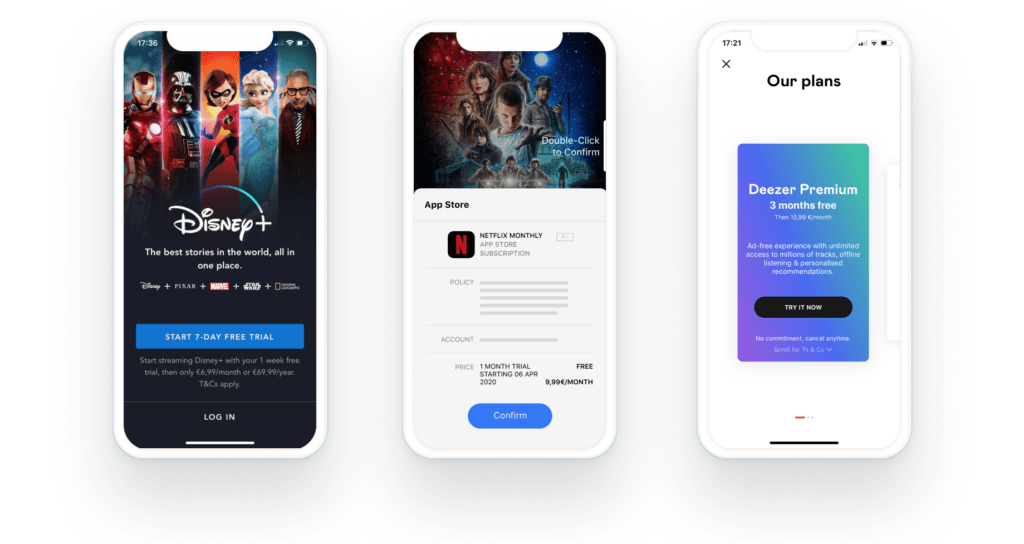
If your app offers subscriptions, configure the subscription options, including the subscription period, price, and renewal settings. Clearly communicate the benefits of subscribing to your app’s services.
By setting up these options, you can create a seamless purchasing experience for your users, potentially increasing your app’s revenue.
5. Building and Uploading Your iOS App: From Development to Deployment
Archive and Upload Your App
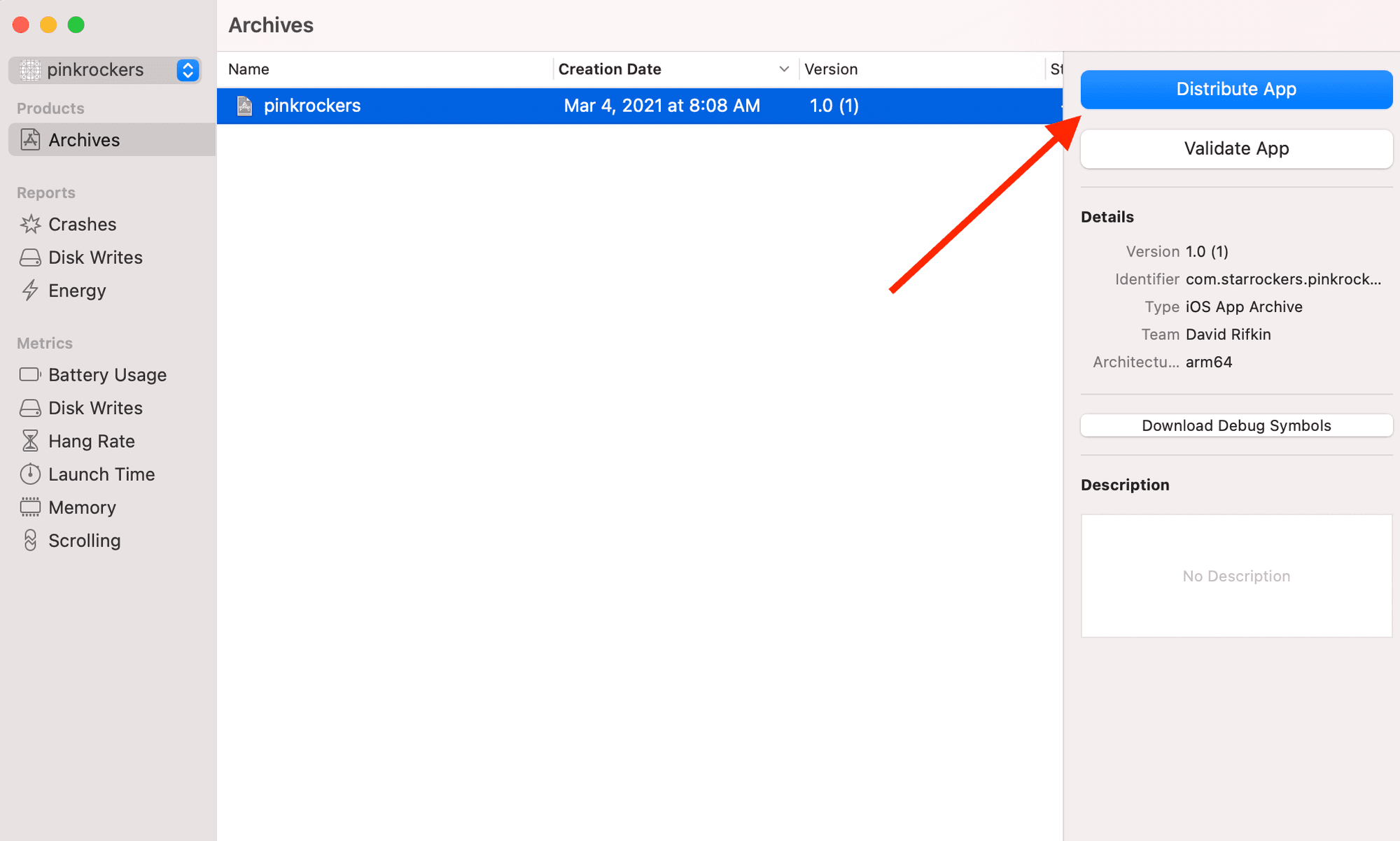
After completing the development of your iOS app, the next step is to archive and upload it to App Store Connect. This process involves packaging your app’s code and resources into a single file and submitting it for review.
Create an Archive
Use Xcode to create an archive of your app. This step packages all your app’s code and resources into a single file, preparing it for upload.
Upload to App Store Connect
Log in to your App Store Connect account and upload the archived app. Navigate to your app’s page and click the “Upload” button to start the process.
Submit for Review
Once your app is uploaded, you need to submit it for review. Provide all necessary information, including your app’s name, description, and screenshots. Ensure you agree to the App Store Review Guidelines and the Apple Developer Program License Agreement.
By following these steps, you can successfully build and upload your iOS app, setting the stage for its review and eventual release on the App Store. This process ensures that your app meets Apple’s standards and is ready for users to download and enjoy.
Kreante Agency's NoCode Expertise: A Swift Development Solution
As you navigate the initial steps of app publication, consider leveraging NoCode development for a quicker and equally high-quality app creation process. At Kreante Agency, we specialize in NoCode/LowCode app development, handling everything from initial wireframe mockups to app submission. When building and archiving your app in Xcode, ensure you select a generic iOS device to create a full app archive. Partner with us to transform your app idea into a successful digital venture.
Ready to make your mark on the App Store?
Partner with Kreante Agency and embrace the efficiency of NoCode/LowCode app development. When publishing a new app, follow the process of creating a fresh record in the App Store Connect dashboard, filling in necessary information and adhering to guidelines. Your journey to app success starts here with us.
Go further
Keep reading at the heart of our expertise
Don't let your tech watch stop here. Explore our other resources to master your technology stack.




 Development