WordPress: Guide for Designers and Web Professionals
WordPress powers over 43% of the web, offering unmatched flexibility through themes and plugins for designers and developers. This professional guide covers setup, performance optimization, SEO, and scaling WordPress sites.
Tools
KreanteApril 13, 20265 months ago
Published on February 25, 2025
By Sandra Zarate . 5 minute read
WordPress has revolutionized digital content creation and web development, emerging as a powerful NoCode platform that empowers designers, entrepreneurs, and businesses to build compelling online experiences without extensive coding knowledge.
WordPress has evolved dramatically from its humble beginnings as a blogging tool to become a comprehensive content management system (CMS) that powers over 40% of all websites globally. This remarkable platform offers unprecedented flexibility, making it an essential tool for designers,developers, and business professionals seeking elegant digital solutions.
Key Features That Make WordPress a Design Powerhouse
1. Intuitive Design and User Experience
WordPress provides an extraordinarily user-friendly interface that allows designers to create stunning websites without deep technical expertise. Its drag-and-drop page builders and extensive theme libraries enable rapid prototyping and design implementation.
2. Extensive Customization Capabilities
Unlike traditional web development platforms, WordPress offers unparalleled customization through:
Thousands of professional themes
Customizable templates
Advanced plugin ecosystems
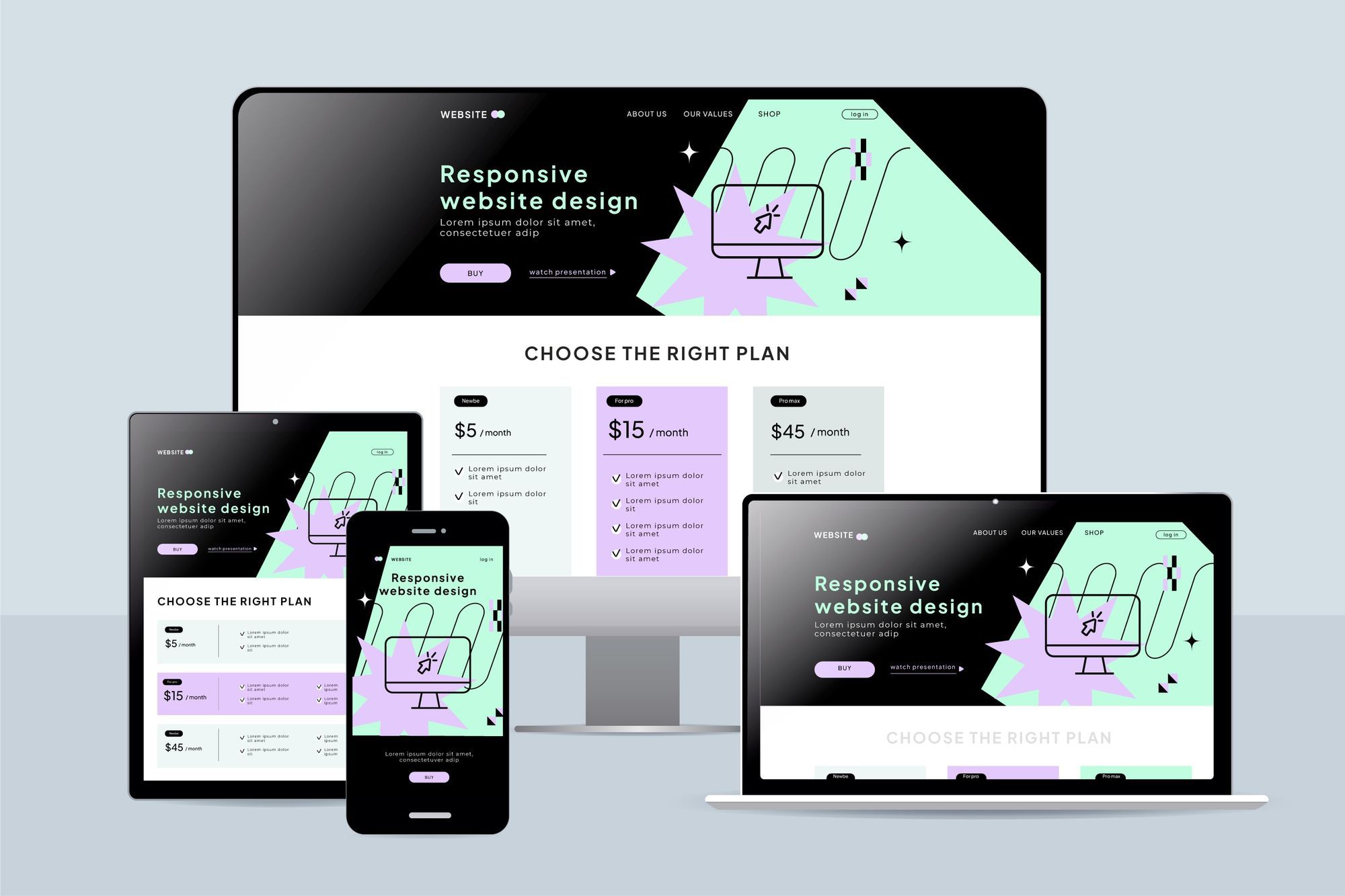
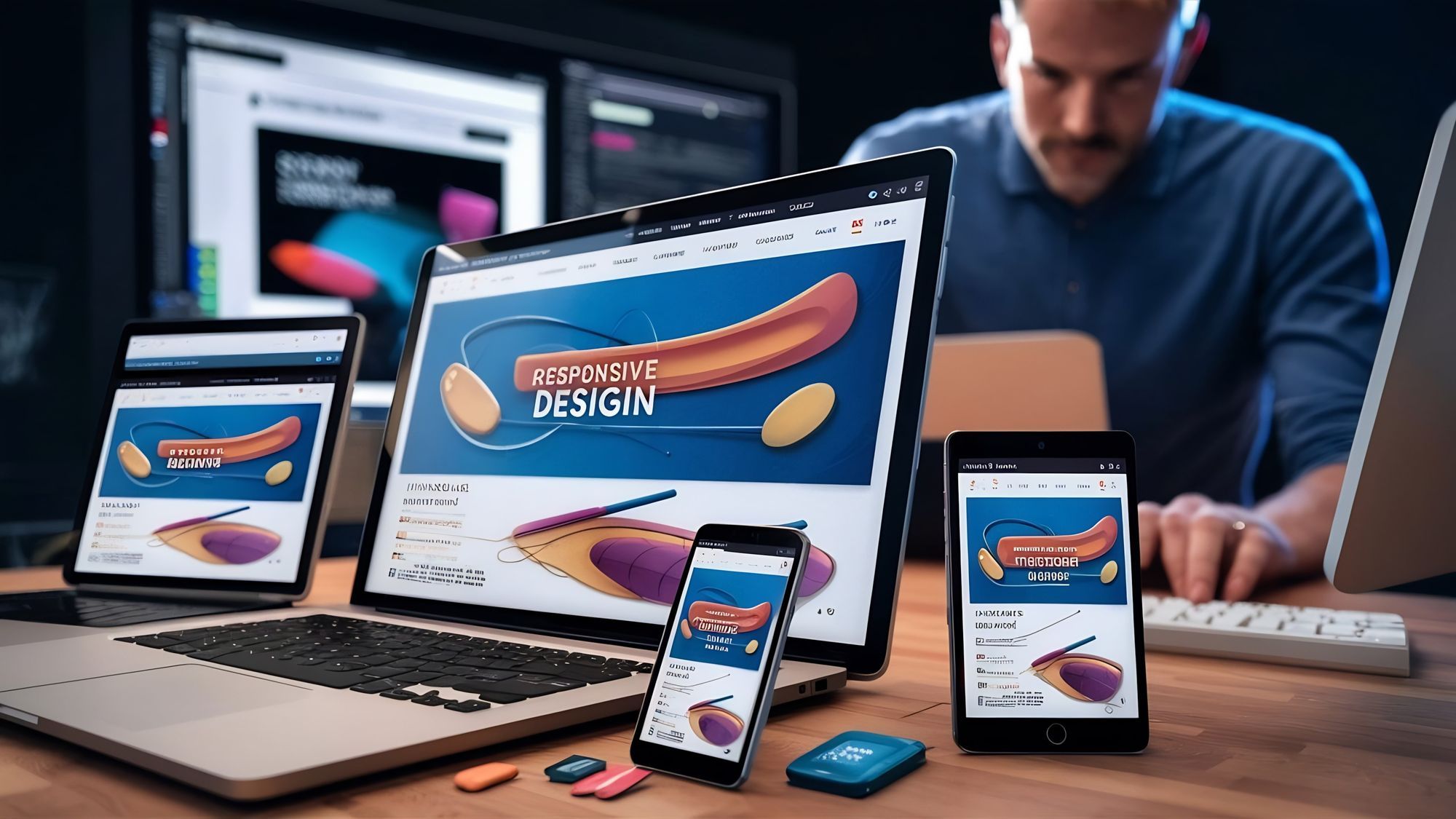
Responsive design options
3. SEO-Friendly Architecture
Built with search engine optimization fundamentally integrated, WordPress helps websites achieve better organic visibility. Its clean code structure, easy content management, and robust SEO plugins make it a preferred platform for digital marketing professionals.
Design Considerations Before Launching a WordPress Project
Brand alignment
Ensuring that your WordPress site reflects your brand's identity is crucial for maintaining consistency across all digital touchpoints. This involves selecting color schemes, typography, and imagery that resonate with your brand's message and values.
User experience principles
A well-designed WordPress site prioritizes user experience by being intuitive and easy to navigate. This involves thoughtful layout design, clear calls-to-action, and ensuring that information is easily accessible to users.
Accessibility standards
Adhering to accessibility standards is vital for making your WordPress site usable for everyone, including individuals with disabilities. This includes using alt text for images, ensuring keyboard navigability, and providing text descriptions for non-text content.
Loading speed optimization
Optimizing loading speed is essential for enhancing user satisfaction and improving search engine rankings. Techniques such as image compression, leveraging browser caching, and minimizing server response time can significantly reduce load times, providing a smoother experience for visitors. Additionally, employing content delivery networks (CDNs) can help distribute content more efficiently, further enhancing site performance.
Essential WordPress Tools for Professional Designers
Page Builders: Elementor, Divi, and Beaver Builder are popular page builders that allow designers to create complex WordPress layouts with ease. These tools provide drag-and-drop functionality, enabling professional developers to craft visually appealing websites without extensive coding knowledge.
Design Optimization Plugins: Design optimization plugins like WP Rocket, Smush, and WPML are essential for enhancing WordPress site performance. They offer features such as caching, image compression, and multilingual support, ensuring faster load times and improved user experience.
WordPress Implementation Strategies
While WordPress offers remarkable flexibility, successful implementation demands strategic approaches:
Define Clear Objectives: Before development, clearly define your website's objectives, such as lead generation, e-commerce capabilities, content publishing, or brand storytelling, to ensure that the WordPress project aligns with your strategic goals and effectively utilizes its robust features. This strategic clarity will guide the selection of appropriate hosting solutions and security measures, ensuring a seamless, optimized, and secure WordPress implementation that meets your business needs.
Select hosting solutions that align with WordPress architecture, such as managed WordPress hosting, cloud-based infrastructure, and scalable resources. These options ensure optimal performance and seamless integration for your WordPress site.
Security and Maintenance: Implement robust security measures by ensuring regular updates, employing strong authentication protocols, and maintaining comprehensive backup systems.
WordPress Performance Optimization Techniques
Performance is crucial for digital experiences, and Kreante Agency advises minimizing plugin dependencies, utilizing caching mechanisms, compressing media files, and implementing content delivery networks (CDNs) to enhance site speed and efficiency.
Frequently Asked Questions About WordPress
What is WordPress used for?
WordPress is a versatile content management system used for creating websites, blogs, and e-commerce sites. It is popular among both beginners and professional developers due to its flexibility and extensive customization options.
Is WordPress really free?
Yes,WordPress offers a free plan with basic features. However, for advanced functionalities, such as custom domains and additional storage, you may need to upgrade to a paid plan.
Does anyone still use WordPress?
Absolutely! WordPress powers over 40% of all websites globally, making it a dominant platform in the web development industry. Its strong community support and continuous updates keep it relevant and hot today.
What is WordPress good for?
WordPress is excellent for building a wide range of websites, from personal blogs to complex enterprise sites. It offers powerful design tools and SEO-friendly architecture, making it ideal for digital marketing and brand storytelling.
Related Articles
Webflow vs WordPress: Choosing the Right Platform for Your Website Needs
Discover the power of Figma and Revolutionate your Designs
No-Code and Low-Code Design in 2025: Create Professional-Grade Digital Experiences Without Code
Go further
Keep reading at the heart of our expertise
Don't let your tech watch stop here. Explore our other resources to master your technology stack.




 Tools
Tools