
Accounting and purchasing
Invoices matched effortlessly
- Supplier invoices read, whatever their template, and matched against purchase orders and delivery notes
- Duplicates, price discrepancies and missing lines flagged before payment

Every day, someone in your company opens a PDF, copies out an order number, a quantity, a delivery date, then moves on to the next one. Delivery notes, supplier invoices, contracts and customer requests arrive in every form: PDFs, scans, phone photos, attachments. At Kreante, we build custom AI data extraction pipelines. The AI reads your documents the way an employee would, checks that the figures add up, and sends the data to your ERP, your CRM or your accounting software.
265+ projects delivered in 35 countries · 4.9/5 average rating on Clutch · 110+ client companies
















These situations may sound familiar:
An assistant who re-enters into the ERP, every morning, the purchase orders received by email
Supplier invoices compared line by line with delivery notes, by hand
An OCR tool bought two years ago, which fails as soon as a supplier changes its invoice template
Contracts whose renewal date nobody can find until it is too late
Incomplete customer files, discovered at the moment they need to be processed
A data-entry error on a quantity, spotted when the truck has already left
According to Insee, companies that use AI to analyze written text employ 48% of employees in France in 2025, up from 27% a year earlier. Yet no AI technology is used by more than one company in ten[1]. In most SMEs, data entry is still done by hand.
Documents arrive by email, through a shared folder or by scanning. They are straightened and classified automatically: invoice, delivery note, contract.
Depending on the document, classic OCR or a multimodal AI model reads the page and finds the useful information, wherever it is: supplier, amounts, line items, dates.
Business rules check every value: net total plus VAT equals the gross total, the order reference exists, quantities match the delivery note. Each field receives a confidence score.
Reliable data goes straight through. Doubtful cases arrive on a validation screen, with the document displayed and the field to check highlighted.
The data goes to your ERP, your CRM, your accounting software or a simple Excel file. We can also automate the rest of the process, from payment to following up with the supplier.
Invoices matched effortlessly
Orders entered as soon as they arrive
Key clauses always at hand
Information buried in documents, finally accessible
Complete files first time
Several approaches exist, and the choice depends above all on how varied your documents are and what you want to do with the data afterwards.
| Approach | What it does well | Its limits | Ideal for |
|---|---|---|---|
| Template-based OCR | Fast and inexpensive on documents that are always identical | Fails as soon as the layout changes, does not understand meaning | A single form, always in the same format |
| Online AI extraction software | Ready in a few hours, subscription based on page volume | Few business checks, integration limited to the connectors offered | A simple flow to Excel or a common tool |
| Document management platform with AI | Archiving, search and approval workflows in one place | Heavy project, per-user licenses, designed for large organizations | Mid-sized companies overhauling their entire document management |
| Outsourced processing service | Handles large volumes and badly degraded documents | Little flexibility, data entrusted to a third party | Millions of pages a year |
| Custom extraction by Kreante | Your documents, your control rules, your software, with a validation screen designed for your teams | An initial scoping phase and a few weeks of development | Varied documents, checks specific to your business, several software tools to feed |
If your documents are all in the same format and the data ends up in a spreadsheet, online software will probably be enough. A custom build makes sense when documents vary, when the checks are specific to your business, or when several software tools need to be fed. We will tell you in our very first conversation.
Invoices, contracts and personnel files contain confidential information and personal data. We set the processing rules during scoping.
AI models called through business plans whose data is not used for training, or models hosted in Europe
Only the useful fields are extracted, in line with the GDPR data minimization principle[2]
Defined retention periods for documents and extracted data
Profile-based access to the validation screen, and a log of every correction
Code and documentation delivered to your own GitHub repository
Before you commit, we measure the success rate on a sample of your documents, including the most difficult ones: skewed scans, photos, foreign suppliers.
Classic OCR when it is enough, an AI model when the layout varies. You do not pay for an expensive model to read a form that never changes.
We turn your rules into automatic checks: price tolerances, quantities, references. Errors are stopped before they enter your software.
We know how to connect AI to your ERP, your CRM or your accounting software, through an API or automated import. Your teams keep their habits.
Free
30 minutes with an expert
From €3,900 excl. VAT
Live in about six weeks
Custom quote
At the pace of your needs
We gather around a hundred real documents, picked at random from your flows, and list with you the useful fields and the control rules.
We measure the success rate field by field, and choose the right technology for each type of document.
Reading, checks, validation screen and connection to your software: you follow progress every week.
Your teams process the day’s flow with the tool. We adjust the confidence thresholds and the rules.
User training, handover of the code and documentation, then monitoring over the first months.
Challenge
Stack
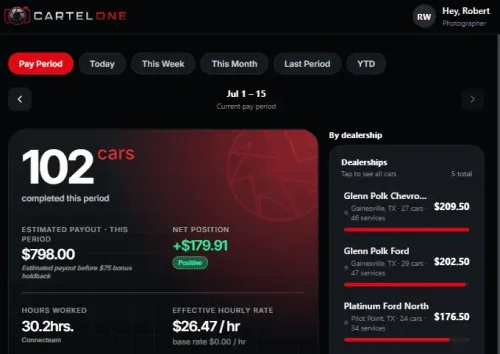
Performance and payroll management platform for AutoCartel field photographers.
Challenge
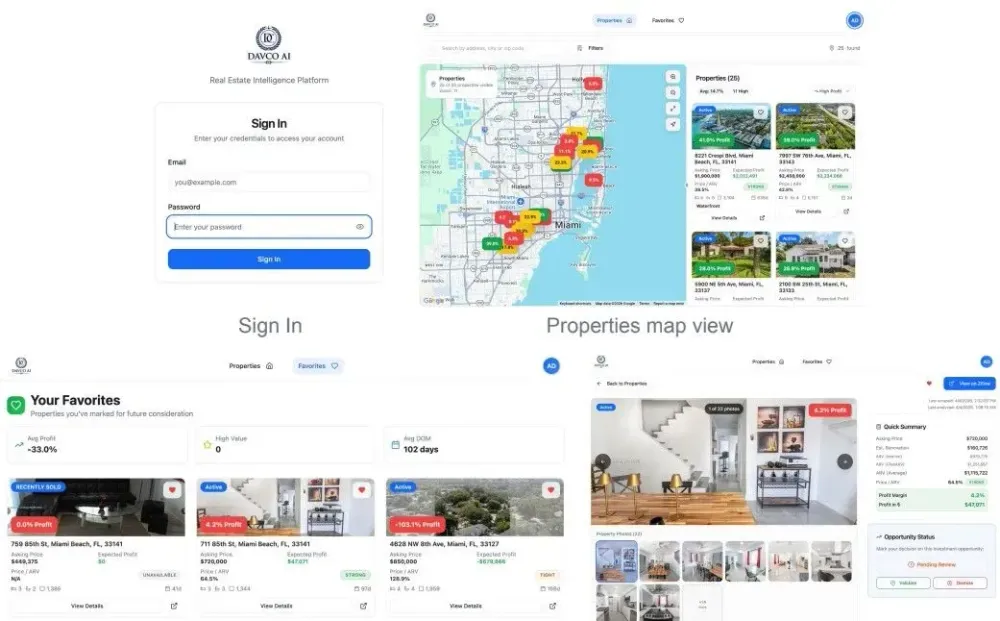
The platform ingests property data daily via Zillow scraping, runs AI-driven renovation cost and ARV estimates using OpenAI, and surfaces the highest-potential deals first. Users can review…
Stack
An AI-powered real estate intelligence platform built for a Miami-based investment team. DAVCO AI replaces manual Zillow filtering and spreadsheet-based calculations with an automated map interface that displays estimated profit margins across all active single-family listings in the Miami area.
Challenge
Tango event organizers across Europe were running everything manually — registrations, confirmations, payments, check-in. They needed one purpose-built platform to manage the full event lifecycle,…
Stack
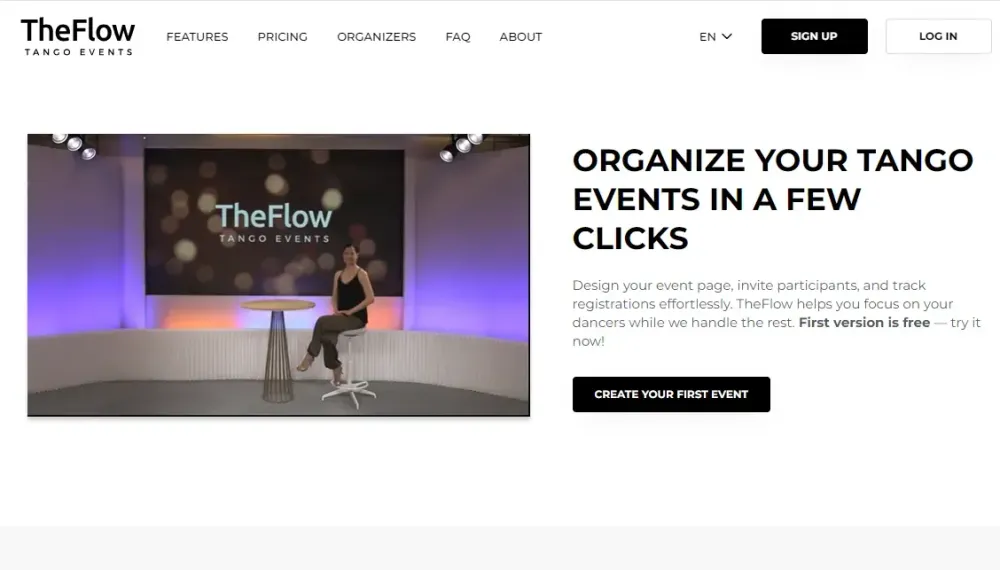
TheFlow is a web platform built for tango event organizers in Europe. Kreante evolved it across multiple phases from a basic registration tool into a complete event management and ticketing product — covering event creation, participant management, waitlists, online payments, QR check-in, automatic invoicing, and an international tango event calendar.
Challenge
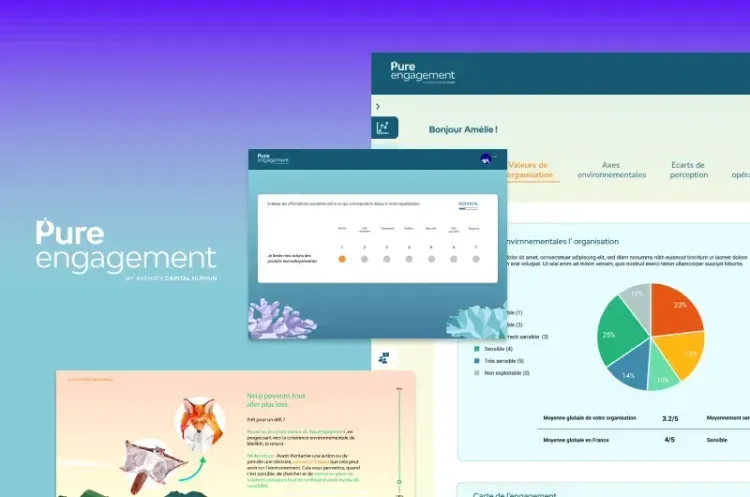
Kreante developed a comprehensive platform for Pure Engagement using NoCode technologies. Built with Bubble for the frontend and Xano for the backend, this solution facilitates organizational…
Stack
Pure Engagement needed a platform capable of handling the complexity of organizational transformation, recognizing that success depends not only on structural change but also on people’s psychological and emotional transition.
Challenge
Build an iOS app that turns iPhones plus an audio interface into a complete, professional podcast recording studio, capturing high-quality sound and video across several phones at once and keeping…
Stack
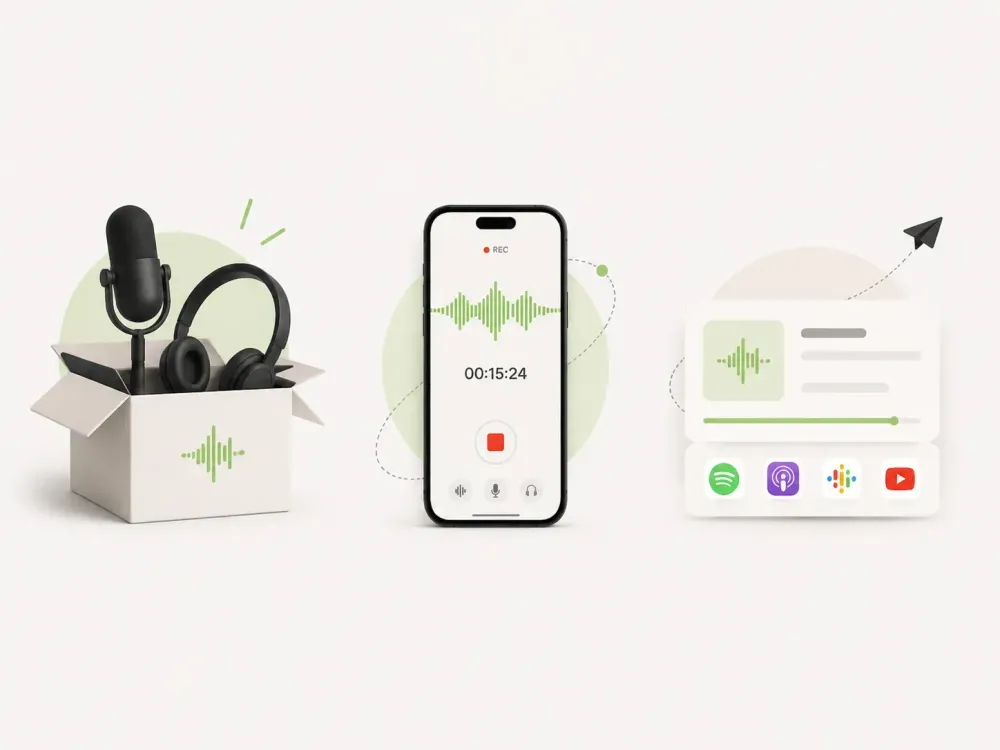
A mobile app that lets creators record, sync, edit, and export podcast audio and video using a dedicated interface and multiple iPhones working together as one studio.
Challenge
Patients leaving clinic checkups with a list of medical recommendations and lab results often had no clear, practical way to turn that information into daily meals, leading to poor adherence and high…
Stack
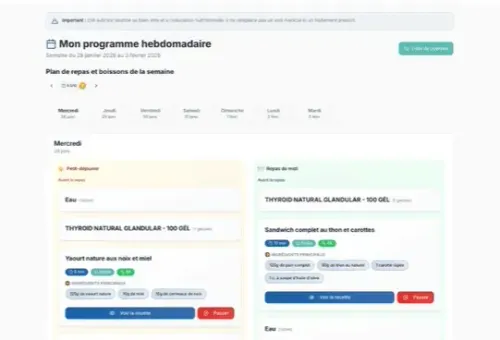
Kreante built REMI AI, a system that reads a patient's genetic and medical test results and automatically turns them into a personalized nutrition and supplement plan that gradually evolves over several months, with clinic staff reviewing every AI-generated interpretation before it reaches the patient.
Challenge
Stack
In the evolving landscape of web development, choosing the right approach for custom software development is crucial.
Challenge
Stack
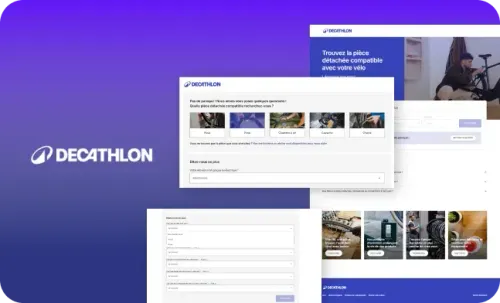
In the sustainability-focused retail landscape, product repair and maintenance play a pivotal role in circular economy initiatives. Businesses are increasingly adopting innovative solutions to reduce waste and extend product life cycles.

Challenge
Stack
When Garde-Robe presented their innovative vision to make fashion more social and collaborative, Kreante, a leading LowCode agency, eagerly embraced the challenge.
Challenge
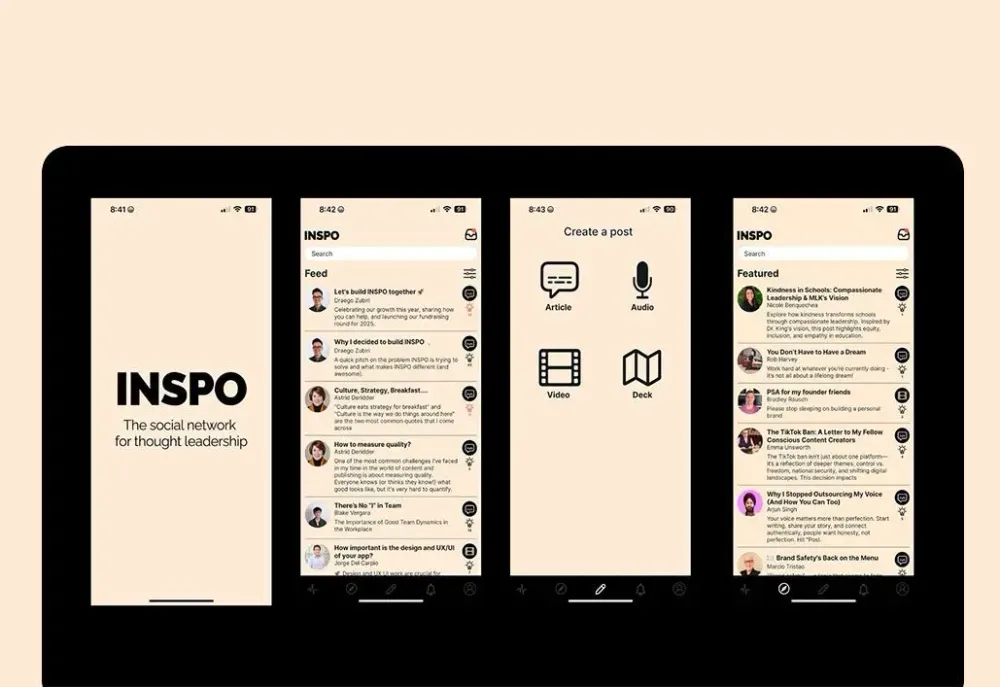
When INSPO approached our LowCode agency with their vision of creating the definitive platform for thought leadership, we knew this project would push the boundaries of what’s possible with…
Stack
In the rapidly evolving landscape of LowCode development, creating sophisticated applications no longer requires months of traditional coding.
Challenge
Stack
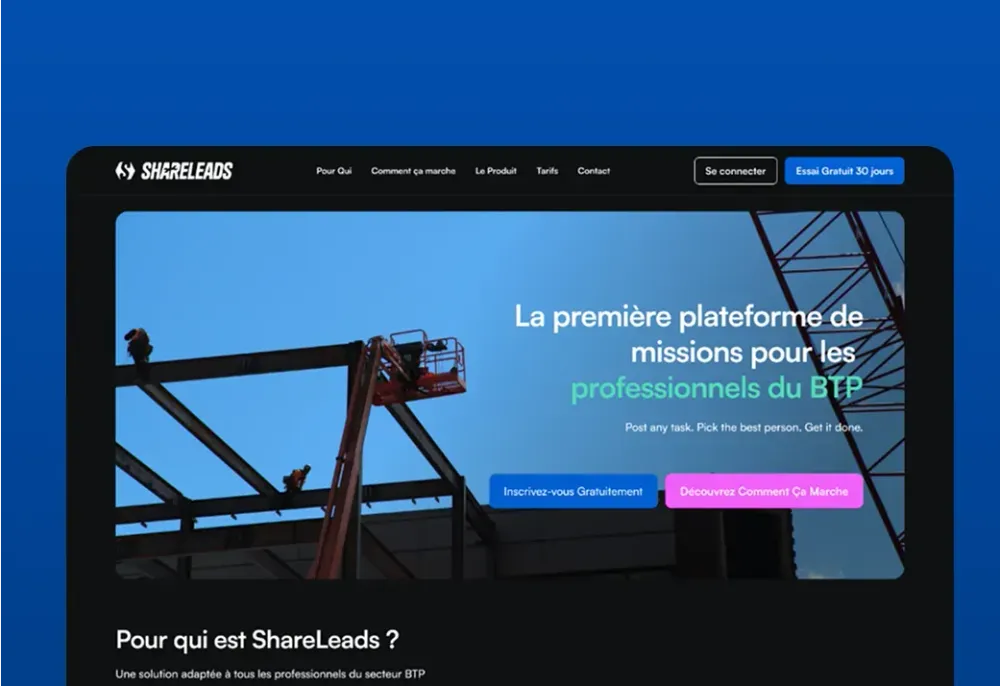
Connect with verified construction professionals, find new projects, recruit subcontractors, and grow your business with ShareLeads' trusted B2B platform.
Challenge
The basketball community in Washington D.C. lived on courts and in scattered WhatsApp groups. What was missing: a place to give it visibility, bring more people together, find players at your…
Stack
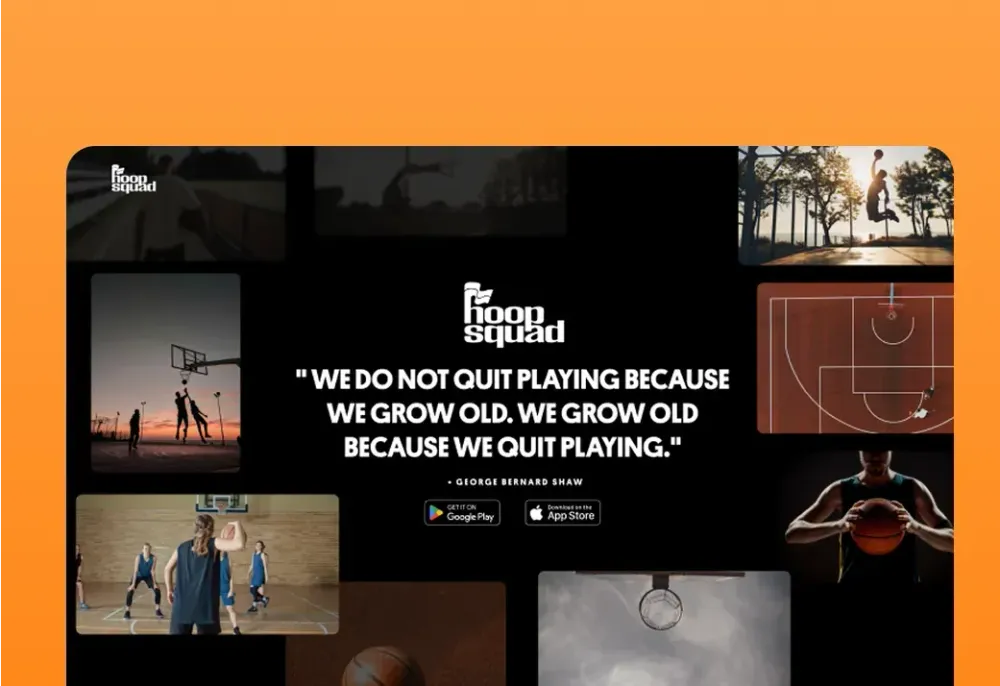
What we built In 3 months, Kreante delivered all three platforms at once. The mobile app lets you find pickup games within a 10-mile radius, rate players to compete at the right level, track your progress, and meet up to watch games together. Two tiers: a free version and a premium subscription at $39.99/season — proof that the community is willing to pay to play better. For this kind of project, visual identity isn't just a detail — it's what creates the sense of belonging from the very first open. The entire branding was conceived and built by Kreante. The landing page was built to convert: a strong visual world, a clear message, one goal — trigger the download. The e-commerce store pushed the logic even further: unapologetic street style, rooted in DC culture, to rep your colors beyond the court. Launched at a Virginia tournament, HoopSquad is now live across 13 regions in the United States — on the App Store and Google Play.
Challenge
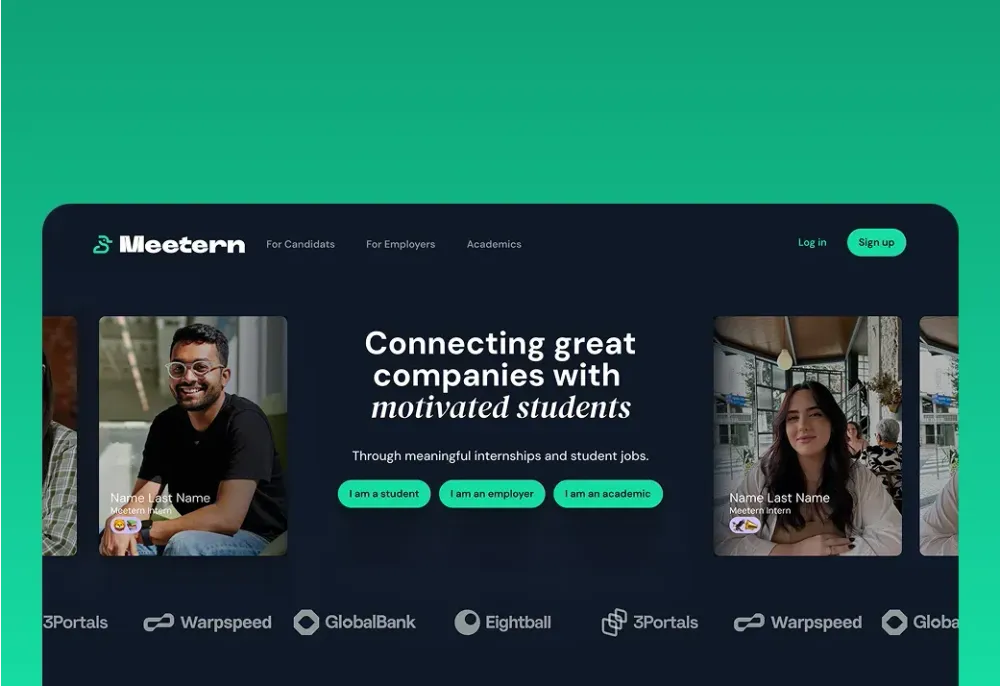
The Meetern team had been connecting students and companies for years, through physical events. Many great encounters and opportunities later, they understood that to create real impact at scale,…
Stack
What we built Kreante designed and developed Meetern: a complete matchmaking platform, with three distinct interfaces for students, companies, and academic institutions. Students build their profile, apply, and track their applications. Companies post opportunities and receive intelligently matched profiles. Academic institutions monitor placements in real time. Across all three: integrated messaging and a matching algorithm that replaces manual introductions. The platform is multilingual, French and English at launch, Dutch on the way. A V1 delivered in 6 months, a V2 launched in March 2026 with extended language support. Today, 50 to 100 active users every day. And a team that no longer runs events, but a platform.
Challenge
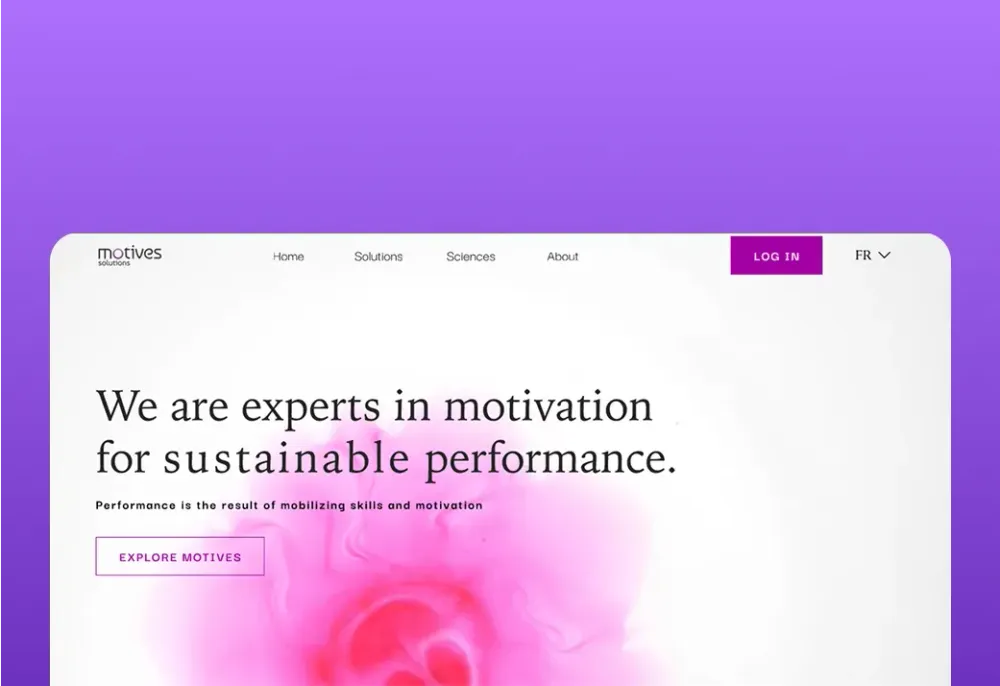
Every manager knows a motivated team performs better. But motivation is invisible. And without understanding what truly motivates each person, engagement initiatives remain educated…
Stack
Kreante designed and developed Motives Solutions: a bilingual SaaS platform (FR/EN), from branding to application. Team members answer 3 anonymous questions. The app analyzes responses and generates a detailed report by motivational driver, for each individual, each team, each organization. Two modules: Motives TEAM for team-level insights, Motives ORGA for the full picture. Tracking is longitudinal: engagement evolution over time, visualized. Three questions. A clear picture of what truly moves a team forward. Measuring the invisible, so you can finally act on it.
Challenge
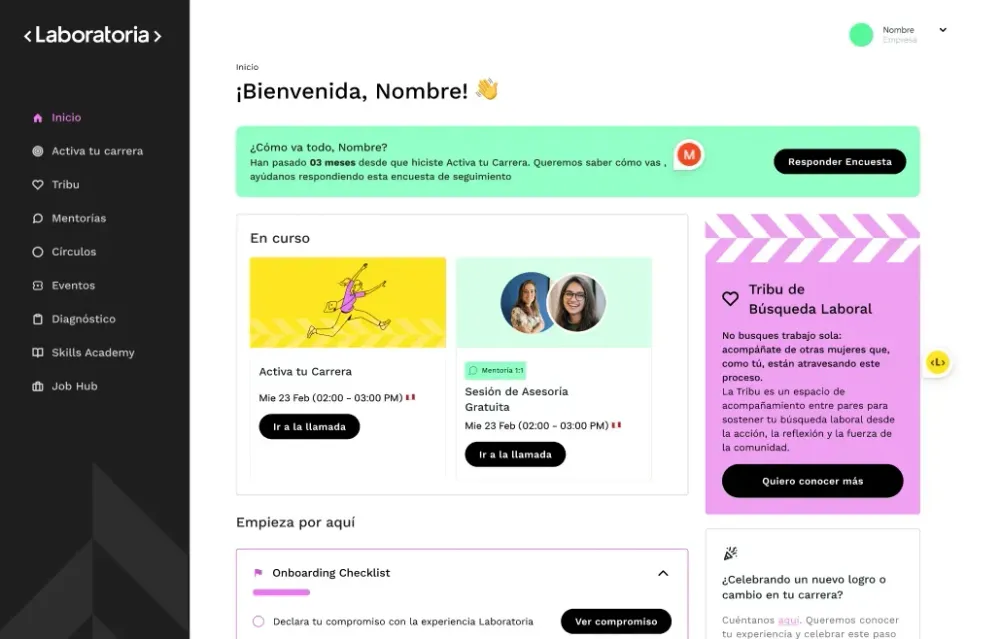
After a decade training thousands of women for tech jobs, Laboratoria saw its graduates stall on the way to leadership: in engineering and product, only 52 women are promoted to management for every…
Stack
Laboratoria+ is the membership platform of Laboratoria, the Latin American organization that has helped more than 14,000 women access quality jobs in tech. Built with Bubble, it brings together live courses and learning circles, 1:1 career mentoring with a network of senior women executives, online and in-person events, and a free plan alongside paid Pro and Plus subscriptions.
Challenge
Stack
Transform your organization with ROC's secure hyperautomation platform. Orchestrate workflows, governance, and access management from a living organizational chart.
Challenge
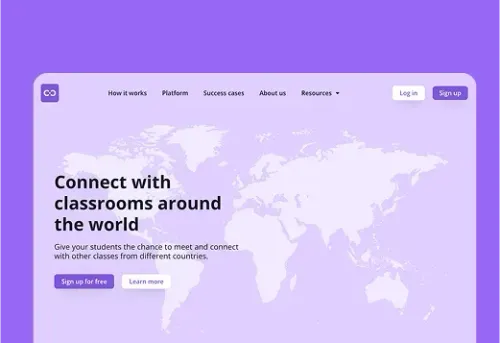
Class2Class wanted any teacher in the world to find a partner class and run a real project together, but international collaboration in schools depended on personal contacts, scattered tools and…
Stack
Class2Class is a global learning community, based in Denmark, where teachers connect their classrooms to run real-world projects around the UN Sustainable Development Goals. Kreante rebuilt the web platform with Bubble and Xano — teacher profiles, class matching, project creation and collaboration spaces — and delivered the rebranding and landing page. The community now counts more than 25,000 teachers in 190+ countries.
Challenge
In Switzerland as across the world, independent cab drivers face the same reality: ride-hailing platforms that set the rates, impose the rules, and own the client relationship. Olivier Fouvy wanted…
Stack
SmartCab is built on a radical premise: for the end customer, nothing changes. No new app to download, no account to create, no interface to learn. They send a WhatsApp message to their driver, just as they always have. Behind that message, an entire machine kicks into gear: an AI engine processes the request, calculates the route, confirms the booking, and triggers invoicing — automatically. Everything an app does. Without the app. They send a WhatsApp message. The rest happens without them. For drivers, it means freedom regained: customizable pricing, a client relationship that belongs to them, no algorithm to appease to stay visible. For fleet operators, a dispatch module handles ride assignments and real-time driver tracking. Three subscription tiers: Lite, Pro, Premium — built for every profile. What SmartCab proves is that real sophistication doesn't announce itself. It's felt — in a booking that requires zero effort, in a relationship of trust that no one gets to monetize. Available on iOS and Android.
Bring a few examples, even the worst scans. In 30 minutes, we will look together at what AI could extract from them, what would need checking, and what you could gain. It is free, with no commitment.
It means retrieving specific information from a document or source, then organizing it in a format that software can use: a table, a database, a JSON file. On an invoice, for example, you extract the supplier, the number, the date, the amounts and each line item. When AI does the job, it understands the document the way a reader would, instead of looking for characters at a fixed position.
| Criterion | Classic OCR | AI extraction |
|---|---|---|
| Role | Turns an image into text | Understands the document and finds the useful information |
| Layout | Must be identical from one document to the next | Can change from one supplier to another |
| Complex documents | Struggles with tables, handwritten notes and free text | Reads tables, free text and some handwritten notes |
| Cost | Very low per page | Higher, which is why it is best kept for the documents that need it |
The two are often combined: OCR provides the text, the AI model interprets it, and business rules check the result.
Yes, recent AI models can read skewed scans, photos taken on a phone and a good share of handwriting. Image quality still matters, though: an old fax or a blurry photo will yield fewer reliable fields. That is why we always test on your real documents, including the most damaged ones, before committing to a result.
On good-quality documents, a large share of the fields is extracted correctly, but a 98% rate still means one error every fifty lines. Rereading every extraction would cost more than manual entry. The right method is to give each field a confidence score and check it with consistency rules. Only the doubtful cases reach your teams, with the document and the field in question displayed side by side.
Partly, and gradually. Since September 1, 2026, all companies established in France must be able to receive electronic invoices. Large companies and mid-sized companies must already issue them, and SMEs and micro-businesses will do so from September 1, 2027[3]. These invoices arrive with their data already structured. Extraction remains necessary for invoices from foreign suppliers, expense reports, and above all for every other document: delivery notes, quotes, contracts or certificates.
Most software on the market, as long as it offers an API or file import: ERP, CRM, accounting software, production management tools, HR software. Failing that, the data can feed a shared Excel or Google Sheets file. When no existing tool is suitable for using this data, we can also build a custom business application around your documents.
The extracted data can also feed dashboards that update themselves, so you can track your purchasing or delivery times with no re-keying.
A few free solutions can get you started:
Consumer versions may use your data to improve their models, unless you turn this off. Business plans and APIs generally exclude this use, and some vendors offer hosting in Europe. For the most sensitive documents, an open source model installed on your own servers or with a European hosting provider keeps the data under your control. In all cases, the GDPR requires that only the necessary personal data be processed[2].
To set these rules across the company, an AI consultant available a few days a month can draw up a usage policy and a list of approved tools with you.
Yes, this is known as scraping. AI makes it easier to read pages whose structure changes often: supplier catalogs, listings, public prices. Two precautions are essential: respect the site’s terms of use, and do not collect personal data without a legal basis. To track your suppliers’ prices or your market, collection limited to public, professional information is generally the safest route.
Yes, if it is used to sort applications. The European AI regulation classifies systems used to filter or evaluate candidates as high risk[4]. They are subject to stricter obligations: human oversight, documentation, risk management. Extraction that simply fills in the HR software, without ranking or rejecting anyone, is much simpler to implement.
This kind of trade-off is one of the decisions a leader benefits from mastering, and it is one of the topics we work on in our AI coaching for executives.
The market includes online software, document management platforms, outsourced processing services and custom development.
| Solution | Who it is for | Strengths | Limits |
|---|---|---|---|
| Kreante | SMEs and mid-sized companies with 15 to 200 employees | Extraction, business checks, validation screen and connection to your software, code handed over | Requires scoping and a few weeks of development |
| Online AI extraction software | Very small businesses and SMEs with simple flows | Quick to set up, subscription based on volume | Limited business checks and integrations |
| Document management platform with AI | Mid-sized and large companies | Archiving, search and approval workflows in one place | Heavy project, per-user licenses |
| Outsourced document processing service | Organizations with very large volumes | Handles scanning, extraction and verification | Data entrusted to a third party, little flexibility |
| AI APIs from major vendors | Companies with a technical team | High-performing models, per-page billing | Everything remains to be built: checks, validation, integration |
This list is not exhaustive.

Written by Jorge del Carpio, CEO and co-founder of Kreante. Since it was founded in 2020, the agency has delivered 265+ projects in 35 countries.
Published Updated
From the blog
Guides, comparisons and field notes from the projects we deliver.
 Tools
Unlock software success with a solid requirements document. This practical guide shows you how to create clear, testable specifications.
 Tools
Discover how document processing automation can streamline your operations, enhance accuracy, and deliver a prototype in just weeks.
 Tools
Pick Lovable to get a hosted, Supabase backed live app fast. Pick Claude Design when engineering teams need code first prototypes and tighter code control.
 Development
Most AI automation projects show no measurable result. A Kreante project manager explains the sequence that works, with pricing and a real case study.
 Development
Pilot AI coaching for one to three teams over 6 to 8 weeks, measure workflow KPIs, and demand embedded deliverables to keep skills in house.
 Insights & Tips
Outcome first AI playbook for SMBs: use a 5-criteria scoring rubric, run a 4-week before and 4-week after task audit, and pilot in 6–12 weeks to prove ROI.